


July 11, 2017
Are you one of those people that likes to pre-plan their Instagram feed and make sure it looks exactly the way you want it to? Then it’s your lucky day! If you curate your Insta feed, then you’ve most probably heard of Later; it’s a visual Instagram planner that makes it easy to design your Instagram aesthetic, rearrange your photos and videos (although video scheduling is only available to paid plans), and create the perfect Instagram feed.
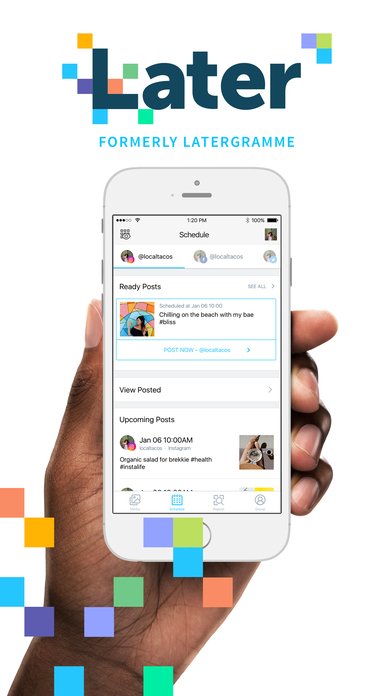
On Wednesday, Later pushed its latest update to both iOS and Android apps, which brought the visual planner from the browser into the apps. This is like Christmas come early to anyone who’s been using the tool to manage their feeds online, but needs to make updates with the app while on the go.
This update seems like a no-brainer, as most Instagram users manage everything on their accounts from their smartphones and tablets. After all, Instagram is still a “mobile-only” platform, despite recent updates that increase its desktop features slightly.
The Drag & Drop function works in the exact same way as it does on Later’s website, and to be frank – it couldn’t be easier.
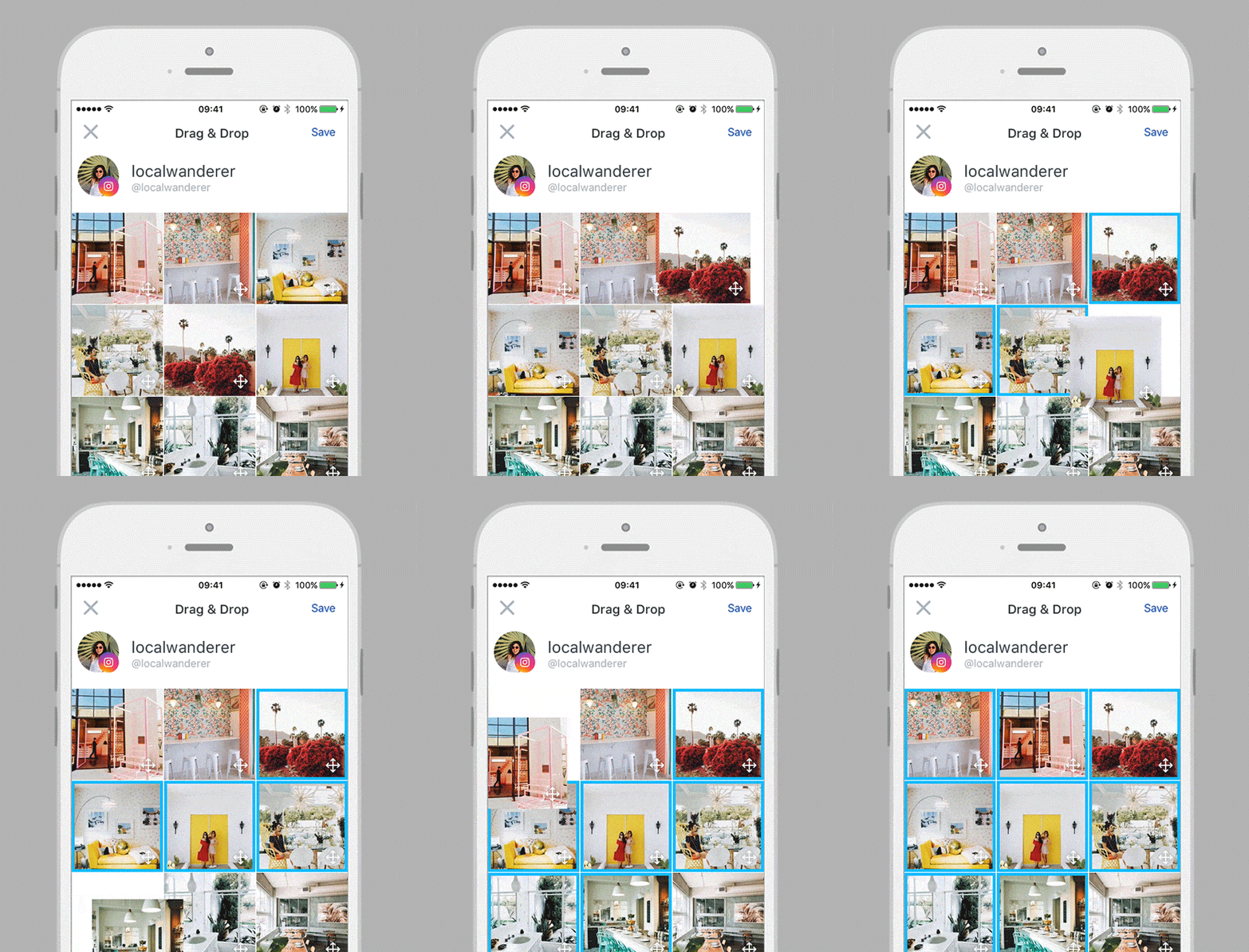
To access Later’s new Instagram planning features, update your iOS app or Android app and follow the steps below:
- Go to the “Schedule” tab and select your Instagram account from the top menu
- Select the “View Grid” option (iOS) / “Preview” option (Android)
- To rearrange the order of the photos, hold on one of the photos in order to enter edit mode
- Drag and drop your photos from left to right or top to bottom to rearrange the look of your feed
- Click “save” – ta-daa, that’s it!
So now you can view your existing Instagram feed with your scheduled Instagram posts at the tap of a button, and instantly see what your feed will look like. Want to swap out a photo, or rearrange photos to get the right look and feel for your feed? Just tap on your post in grid view, drag and drop your scheduled posts, and press save when you’re done!