


May 19, 2025
Creating polished, professional videos for social media doesn’t mean you need the latest camera or a studio setup: what really matters is how you shoot, edit, and present your videos. Let’s break down the essentials that will help your video content stand out and make an impact.
Preparation Is Everything
Good preparation can make or break your shoot. Make sure you have a clear plan before you start filming — this includes a shot list, a storyboard if needed, and a detailed filming order. Organise your props and equipment in advance, and double-check that everything you need is within easy reach on the day. Being well-prepared not only saves time on set but also helps you avoid unnecessary delays and stress. And as we all know, time is money — so the more efficiently you work, the more professional (and cost-effective) your production will be.
Check you Background
Your video background plays a crucial role when it comes to creating a polished result. Filming in front of a cluttered or messy space can pull attention away from your message and reduce the overall impact of your video. To keep things looking clean and professional, choose a simple, solid-coloured backdrop, a neutral wall, or even a plain fabric to set behind your scene. Try to avoid casting shadows with your own body, and be mindful of any windows or mirrors that could reflect distracting elements into the shot. It’s also smart to film slightly wider than the final frame you want, giving yourself room to crop and adjust the composition during the editing stage for a perfectly polished finish.

Prioritise Good Lighting
Lighting is one of the most important elements of professional video; the right lighting setup can make even a basic video look polished and vibrant. Natural sunlight is fantastic, especially during the soft morning or late afternoon hours, on the opposite to midday light, as the overhead sun creates harsh, unflattering shadows. But you can’t always rely on that. For indoor shoots, take the time to experiment with light placement, using key and fill lights if you have them, or even just thoughtfully positioned lamps. If you can adjust the temperature of your lights, and as a rule of thumb, go cooler, you can always warm up your footage in post-production.
Provide Clear, Crisp Audio
Even the most beautifully shot video can fall flat if the audio is poor. Viewers are more likely to forgive lower video quality than bad sound, so investing in a good microphone pays off. Using a pop filter can also help remove unwanted crackles or plosive sounds. If you notice background noise or muffled audio during editing, clean it up using audio correction tools before you publish.
@chavroux.uk ✨ These almond and celery bites are simple and scrumptious! Just grab some soft goat cheese, crunchy celery, tangy red pepper jelly, and a handful of almonds. Perfect for a chic and charming snack! 😍 #chavroux #chavrouxuk #goatcheese #goatcheeseaddict #goatcheeserecipes #cheeselover #freshingredients
♬ original sound – Chavroux.uk
Stabilise Your Footage
You don’t want to watch a video that feels like it’s bouncing around, nor do your viewers. To keep things steady, use a tripod or prop your camera on a firm surface. If you’re filming handheld, avoid moving too much between shots; instead, cut between angles or perspectives during editing to keep the visual flow smooth. And if your clips are still too shaky, many editing programs offer stabilisation tools to help correct this.
Vary your camera Angles
To keep your video visually engaging, change up your camera angles. Shooting with multiple cameras or moving the camera between shots adds depth and keeps the viewer’s attention. This approach always works whether it is an interview, a tutorial, or a branded montage video, as showing different perspectives can add clarity, enrich the storytelling and add excitement.
Strong Editing: Keep It Clean
Editing can take your footage from average to outstanding. While it’s tempting to explore all the flashy transitions, overlays, and effects available, less is often more. A minimal, clean editing style ensures that your message comes across professionally. Make sure to tidy up awkward pauses, cut out unnecessary scenes, and smooth over transitions. Fix any audio or lighting issues during the edit and add background music only when it’s needed and without distracting from your message.
Create Eye-Catching Thumbnails
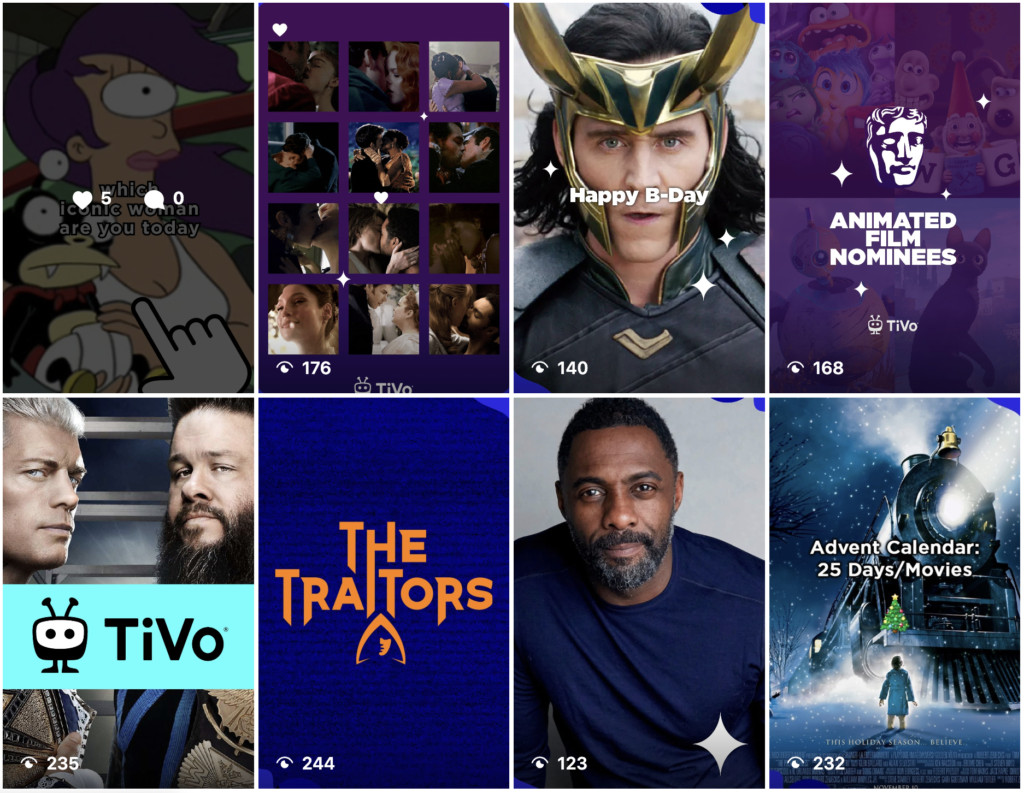
Your thumbnail is the first thing potential viewers will see, and it will influence their decision to watch. Choose an image that’s easy to understand, focused on a strong visual or expressive face, and clearly communicates what the video is about; also, adding simple, direct text can help convey the message.
Optimise Video Length for the Platform
Different platforms favour different video lengths, so tailor your content accordingly. Short-form platforms like TikTok, Instagram, or Twitter benefit from snappy, attention-grabbing videos, while YouTube allows for longer, more in-depth content. Tutorials or how-to guides can run longer as long as they stay engaging and informative.
But those are suggestions of the best performing video length for the main platforms:
✅ Instagram Reels 15–30 seconds and Stories 15 seconds
✅ Facebook Feed 1–3 minutes and Stories 15 seconds
✅ TikTok 15–30 seconds
✅ Threads 15–30 seconds (short, snappy videos work best to grab attention in the feed)
✅ LinkedIn 30–90 seconds
✅ YouTube 7–15 minutes
✅ Pinterest 6–15 seconds
Format and Export Your Video Correctly
Before you hit upload, make sure your video is properly formatted. Export in the right resolution, 1080p usually works well, and in a file type that’s compatible with your chosen platform, like MP4. Compress your video carefully to reduce file size without sacrificing too much quality, so you can upload faster and save storage space. Also, check your aspect ratio: vertical or square for mobile-first platforms, horizontal for YouTube or web embeds.
Add Captions to Improve Accessibility
Many people scroll through social media on mute, and captions ensure your message still gets across. Adding subtitles or text overlays also makes your content more accessible to viewers with hearing impairments and can increase overall engagement by making sure no part of your audience misses out on your content.
Provide Value to Your Viewers
The best way to make sure your video resonates is to focus on what matters to your viewers. Does your content educate, entertain, solve a problem, or spark curiosity? Aim to deliver something your audience genuinely cares about. If you’re not sure, ask them directly, or pay attention to the topics and trends that already engage them.
Always Include a Clear Call-to-Action
Let your viewers know what you want them to do next, whether that’s visiting your website, subscribing to your channel, commenting with feedback, or watching another video. Strong calls-to-action guide engagement and help you meet your marketing or branding goals.
Ready to Elevate Your Videos?
By following these practical tips, you can create professional, compelling videos without needing a huge budget or fancy gear. Whether you’re boosting your social media presence, refining your website, or creating branded campaigns, high-quality videos are a powerful tool to connect with your audience and strengthen your brand.
If you’re ready to take your video strategy to the next level, we would be happy to help craft a tailored video marketing plan that sets you apart from the competition. Reach out today, we’d love to chat!